Option 1: in the browser
- Open the casino in Chrome
The Play button on this site takes you straight to the game page. - Log in or sign up
You need an account to enter the cash arena. - Find Viper Royale
Search for it by name in the Casino section. - Add a shortcut
Chrome menu → "Add to Home screen". The game then opens with one tap.
Option 2: the casino app
Casino apps are usually not on Google Play; you download them as an APK from the official site. Android will ask you to allow installs from that source. That is normal, but only take the file from the official casino site the Play button leads to.
Do not install files called "Viper Royale APK" or "snake money mod". Viper Royale has no APK of its own.
Settings for smooth play
- Turn on Do Not Disturb for the session.
- Disable battery saver: on some phones it lowers the frame rate.
- Play on Wi-Fi or a stable 4G connection.
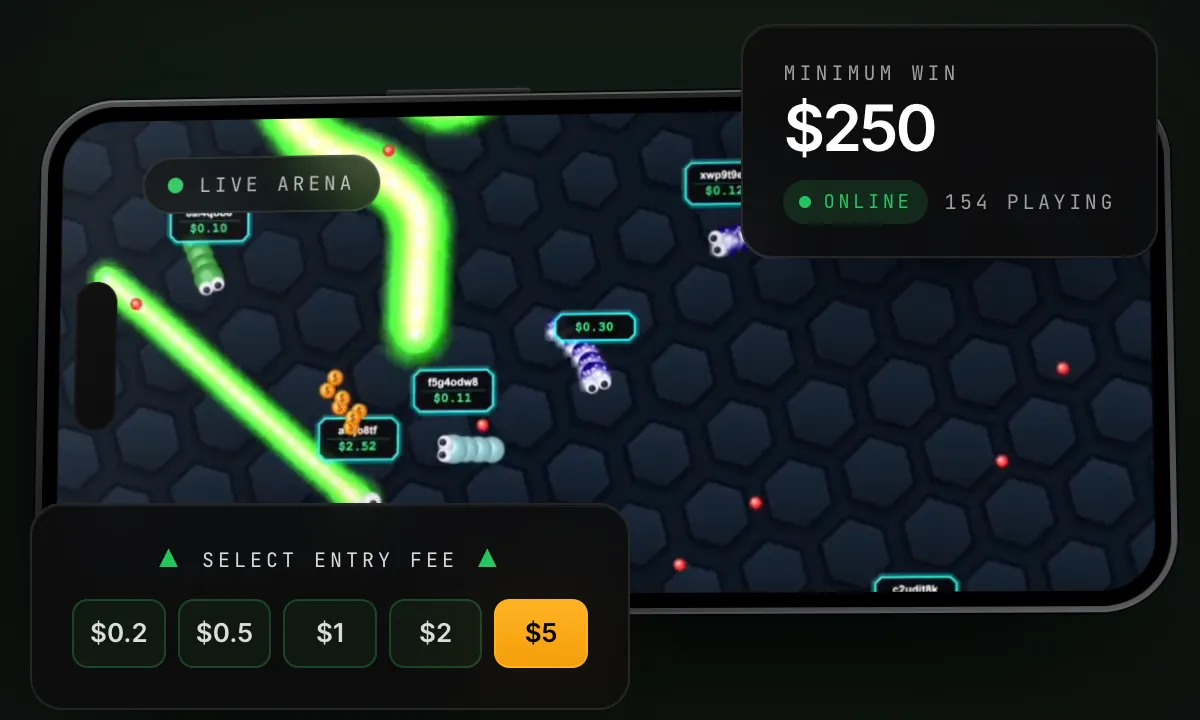
Open the game in your phone browser, no install needed.
Questions and answers
Which Android version do I need?
The game runs in the browser, so any phone with an up-to-date Chrome works. The casino site lists the requirements for its app.
Why does the game lag on my phone?
Usually a weak connection or battery saver. Try Wi-Fi and close background apps.